FAQ
Question 1: How to install Aqara door and window sensor? Can the sensor body and magnets be swapped left and right?
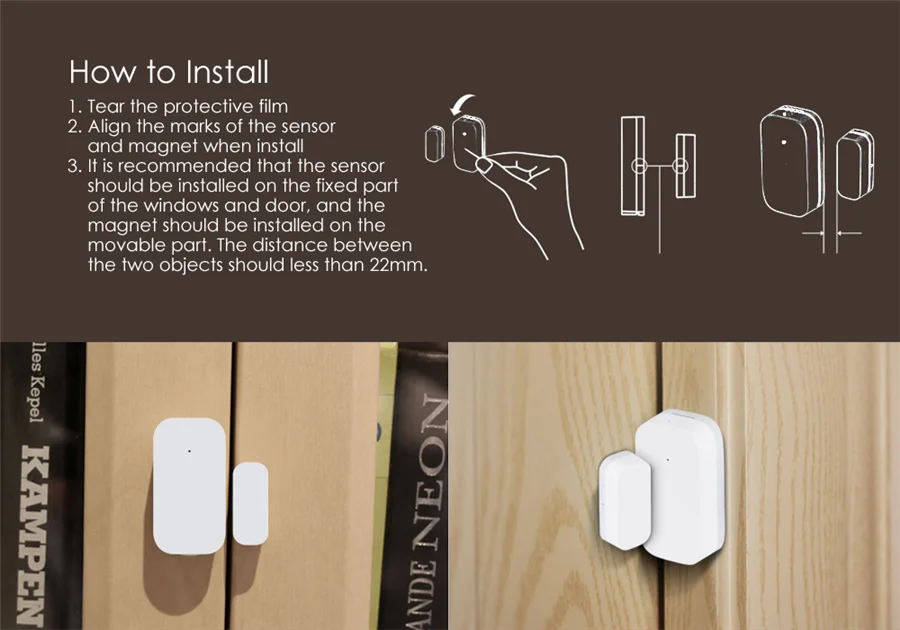
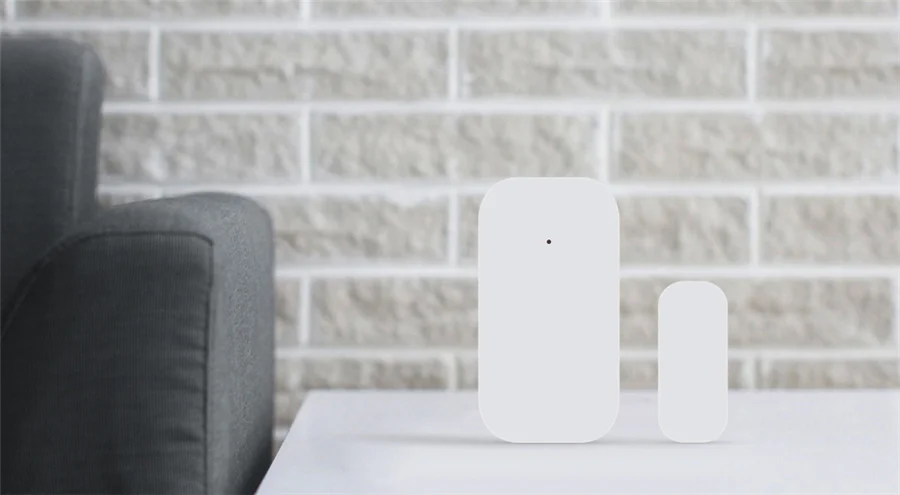
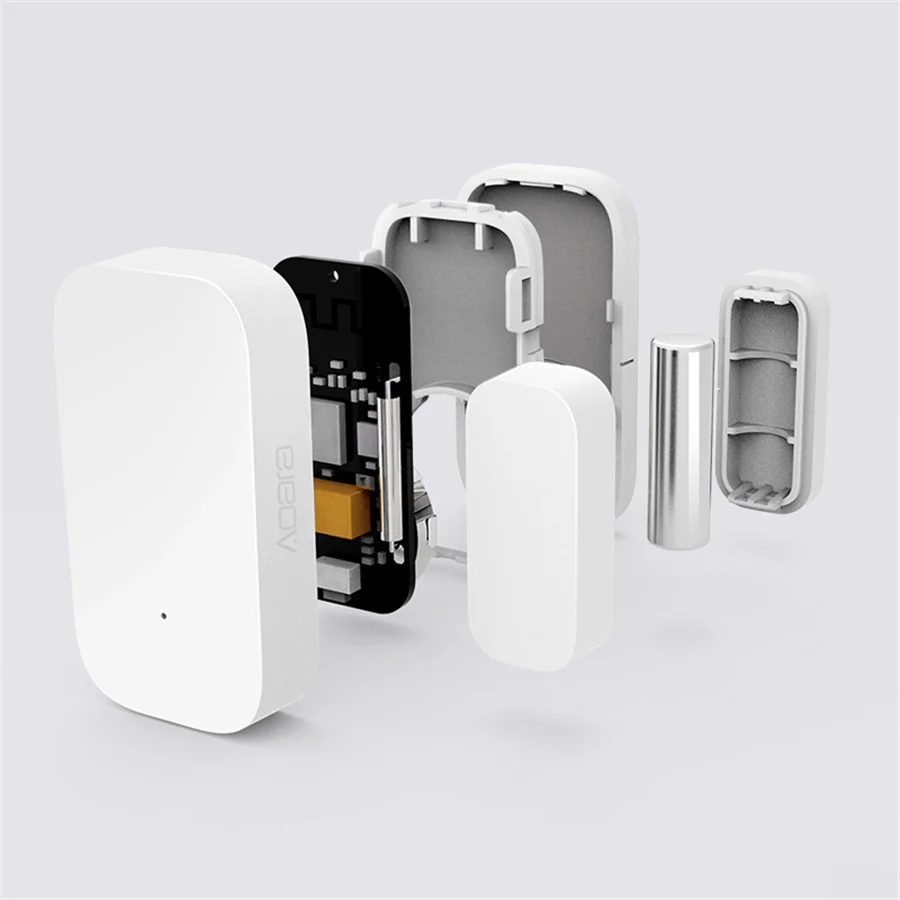
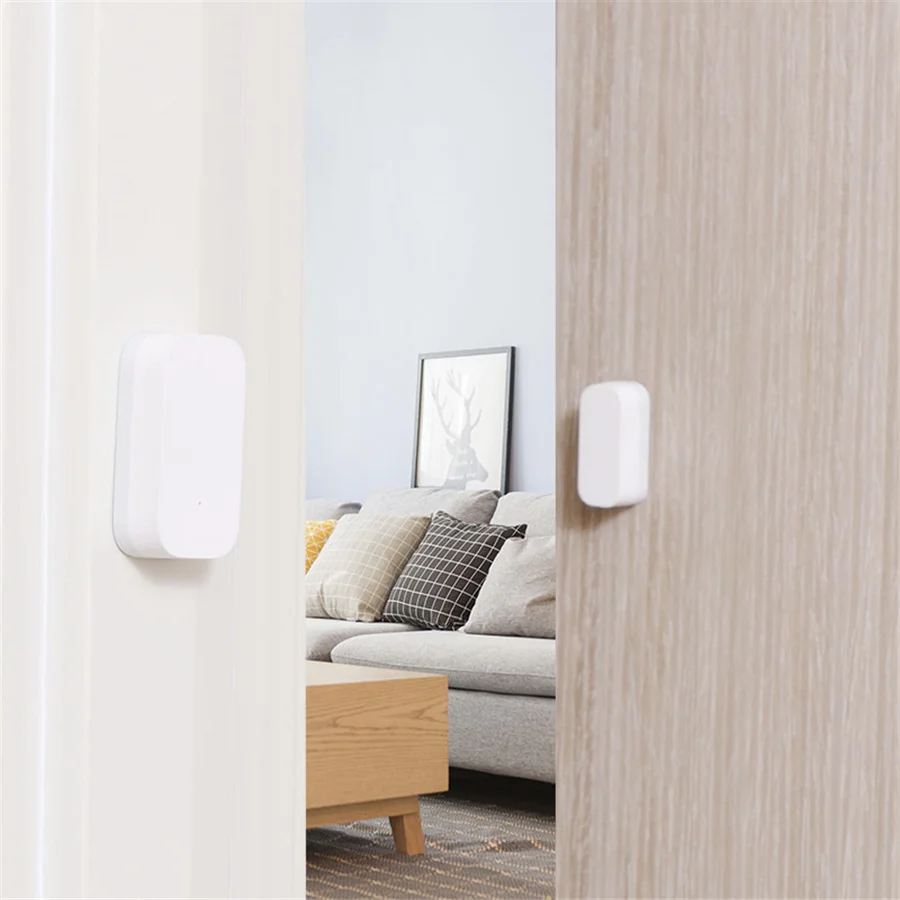
Answer: 1. As shown in the instruction manual, align the main body and the magnet's installation markings, and install one on the door and window fixing surface and the other on the opening and closing surface (it is recommended to install the main body on the fixed surface); 2. The main body and magnet The distance should be less than 22mm; 3. It can be changed from left to right, but the main body and the magnet's installation marks must be aligned; 4. Due to the complicated indoor environment, adjusting the relative positions of the multi-function gateway and the door and window sensors can obtain a better communication environment; 2. As metal has a weakening effect on wireless signals, do not install the door and window sensors on metal parts of doors and windows.
Question 2: How to install the door and the door frame on different planes?
Answer: Turn the magnet 90 degrees. It is best to mount the sensor body on a non-moving door frame and magnets on the door to better protect the sensor. The distance between the sensor body and the magnet is less than 22mm, but at the same time, it should not be installed too close, so as to avoid collision due to contact and damage.
Question 3: How far is the Aqara door and window sensor from the gateway for normal communication?
A: In a complex indoor environment, if there is a wall separation between the door and window sensors and the gateway, the distance between the two needs to be reduced accordingly to achieve better communication.
Question 4: What is the reason for the connection failure of Aqara door and window sensors? How should I reconnect?
Answer: Possible reasons: 1. Operation error, please re-add the device according to the method of adding the device; 2. Too far from the gateway, move the device close to the gateway and add the device again; 3. The gateway exceeds the load of the sub-device.
Question 5: Why do Aqara door and window sensors often go offline?
Answer: Possible reasons: 1. The device is far away from the gateway. Please verify the distance between the sensor and the gateway and install the device near the gateway. 2. The battery is low or the battery is dead, please replace it with a new battery. 3. Zigbee is installed on a metal surface and the signal is disturbed.
Question 6: How can I tell if Aqara door and window sensors are working properly?
Answer: ① Click the reset button on the main body of the door and window sensors, and the gateway emits a sound “connected normally”, which means that the sensor and the gateway communicate normally, go to ②; if there is no prompt, move the sensor closer to the gateway and try again. A beep sounds, the sensor may have been deleted or the battery is exhausted. Please refer to the sub-device adding method or battery replacement method to re-add the sub-device or replace the new battery; ② Close and separate the sensor body and the magnet 2 to 3 times, and then enter The main page of the Aqara door and window sensor in the app, if the status changes, it means that the device is working properly.
Question 7: What are the functions of Aqara door and window sensors?
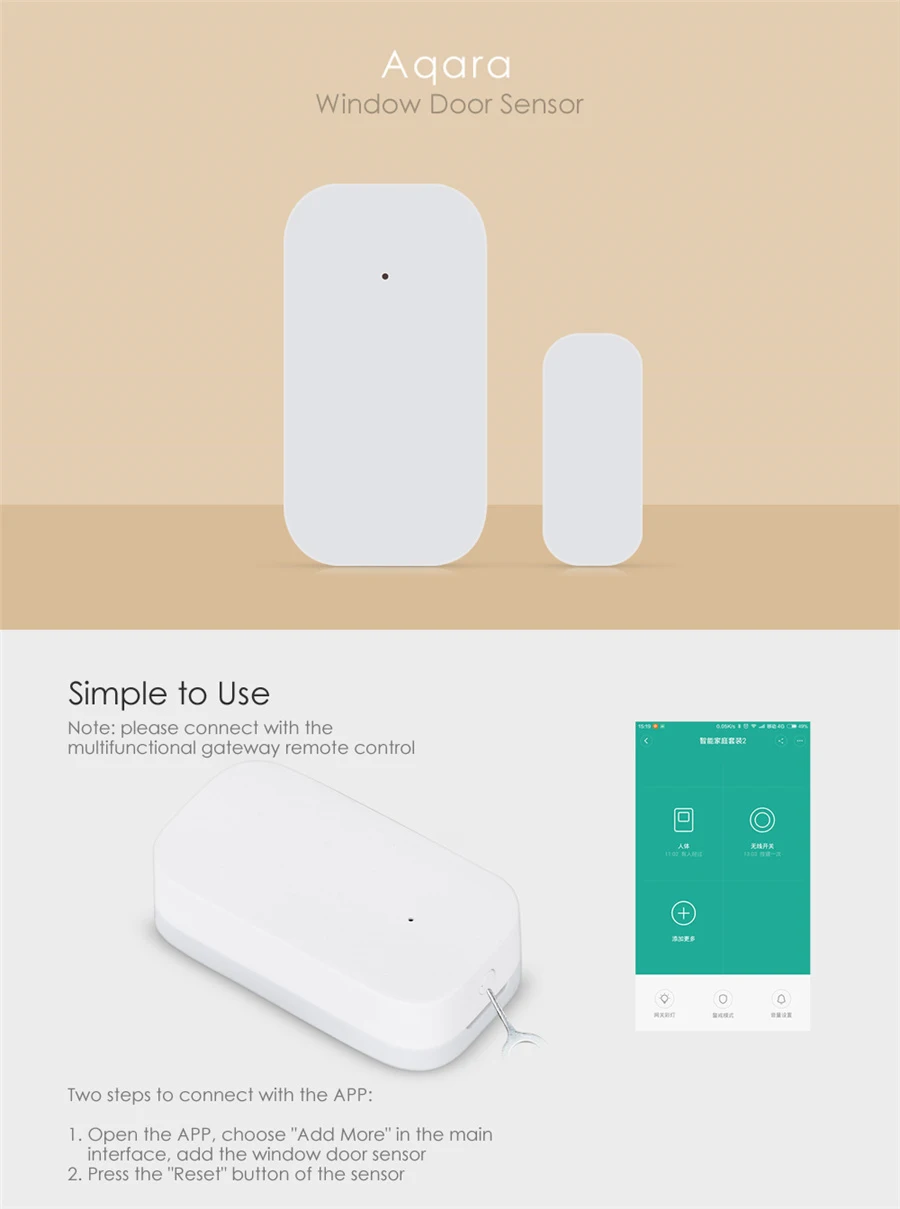
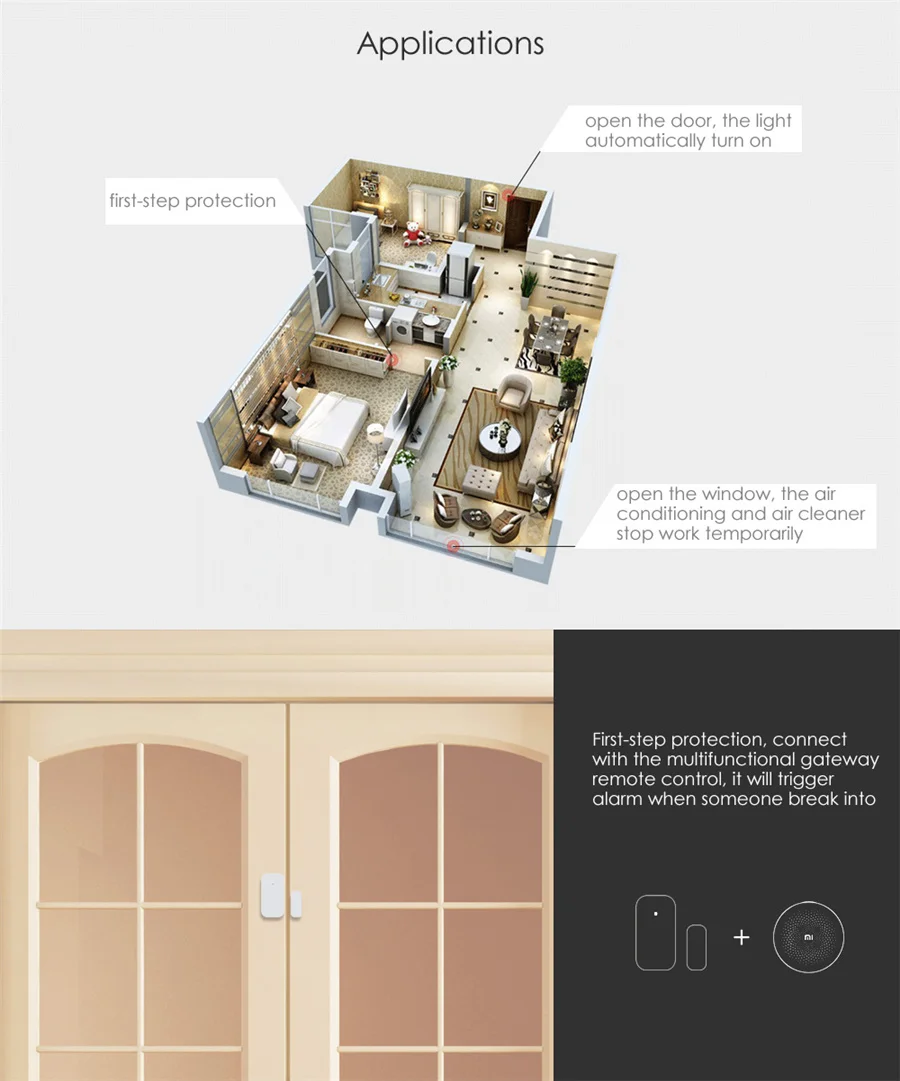
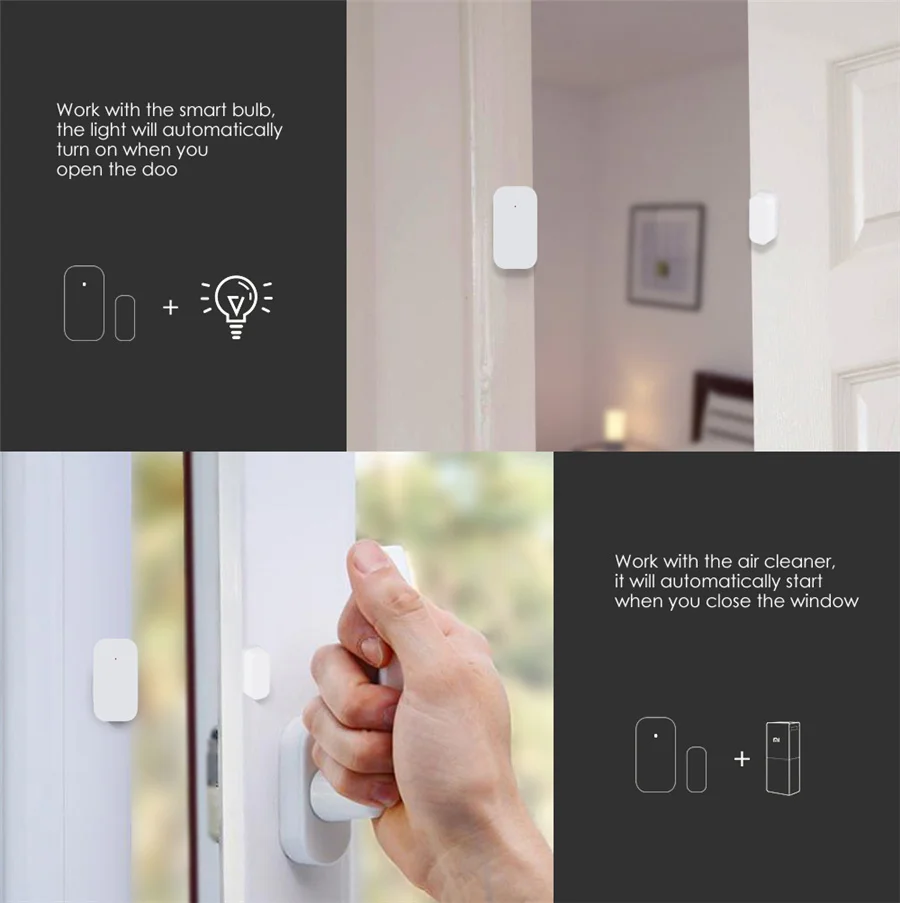
Answer: 1. Aqara door and window sensor can be installed on the door or window to sense the door or window switch status in real time; 2. Used in conjunction with other smart devices, when the door or window is sensed to open or close, the switch of the control device or other action.
Question 8: Aqara door and window sensors sometimes work and sometimes do not work?
Answer: 1. The distance between the sensor body and the magnet may be too large. Please check the distance between the sensor body and the magnet. The distance between the two cannot be greater than 22mm; 2. The distance between the sensor and the gateway may be too long. After confirming that the distance between the sensor body and the magnet is within 22mm, click the reset button of the sensor at the installation position of the sensor. If the gateway emits a beep, it means that the sensor can effectively communicate with the gateway at this installation position, otherwise move the sensor Near the gateway.
Question 9: How do I reset the Aqara door and window sensors? Under what circumstances?
Answer: 1. Press and hold the reset button of the device for 3 seconds, the indicator flashes 3 times, and the factory settings are restored. 2.In the case that the bound sensor is re-bound to another gateway, the sensor needs to be reset before the sensor can be successfully bound to the new gateway.